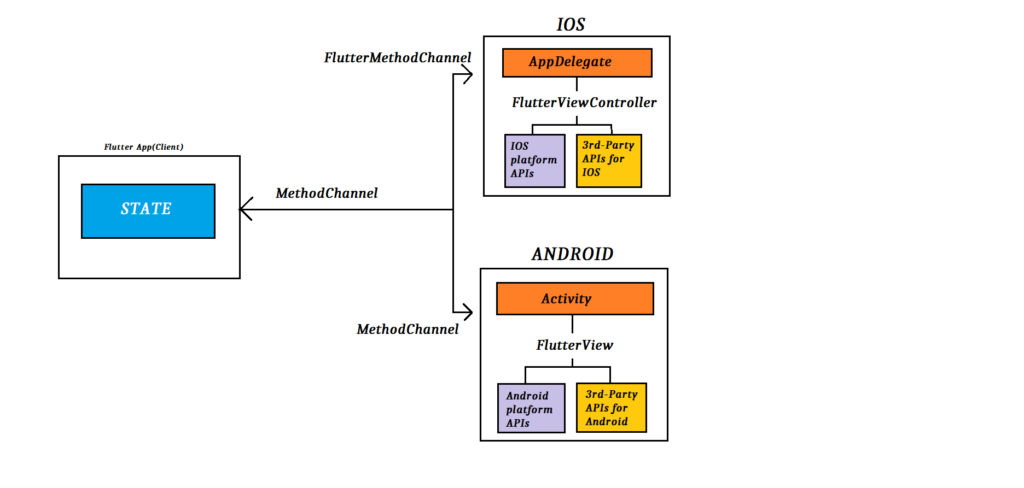
Hello. In this post we'll look, at the most basic level, at how to run native code written on the Kotlin & Swift side from a Flutter app.
FLUTTER
static const platform = MethodChannel('cagatay.test.native');To communicate with the native side we use a MethodChannel. Here we create a MethodChannel object named platform, and I gave this channel the name 'cagatay.test.native'. You can pick any name you like, but it has to be unique.
Future<void> getNativeText() async {
    try {
      final result = await platform.invokeMethod('getTextNative');
      text = result;
    } catch (e) {
      text = 'Failed to Native code catch -->$e';
    }

    setState(() {});
  }
I create a function named getNativeText. platform.invokeMethod('getTextNative') triggers a specific method over the MethodChannel. The invokeMethod argument specifies the name of the method to call. I chose the method name getTextNative.
There are 2 important points here.
1) MethodChannel('cagatay.test.native')
2) invokeMethod('getTextNative')
Both of these names must be exactly the same on the Swift and Kotlin sides.
SWIFT
let controller : FlutterViewController = window?.rootViewController as! FlutterViewController
      let methodChannel = FlutterMethodChannel(name: "cagatay.test.native",
                                                binaryMessenger: controller.binaryMessenger)
      methodChannel.setMethodCallHandler({
            (call: FlutterMethodCall, result: @escaping FlutterResult) -> Void in
          switch call.method {
          case "getTextNative":
              result("This is Swift Code")
          default:
              result(FlutterMethodNotImplemented)
          }
       })
On the first line, a controller is created from the FlutterViewController. This controller represents the view controller of the Flutter app.
On the second line, an object named FlutterMethodChannel is created, and the name here must be the same as the MethodChannel on the Flutter side. It represents the name of the channel that will be used for communication between the platforms. binaryMessenger, on the other hand, specifies the messenger that will route the messages of this channel. Here, by using controller.binaryMessenger, the binaryMessenger of the FlutterViewController is assigned.
Next we call setMethodCallHandler. This defines a handler to process the methods invoked over the MethodChannel.
When call.method == 'getTextNative', we specify the value we want to return. The naming here must also match the invokeMethod on the Flutter side.
KOTLIN
private val CHANNEL = "cagatay.test.native"
    override fun configureFlutterEngine(@NonNull flutterEngine: FlutterEngine){
        super.configureFlutterEngine(flutterEngine)
        MethodChannel(flutterEngine.dartExecutor.binaryMessenger, CHANNEL).setMethodCallHandler{
            call,result->
            if(call.method=="getTextNative"){

                result.success("This is Kotlin code")
            }else {
                result.notImplemented()
              }
        }
    }
I create a constant named CHANNEL with the value 'cagatay.test.native'. This must be the same as the MethodChannel on the Flutter side.
The configureFlutterEngine function is used to configure the FlutterEngine.
On line 4, the MethodChannel object represents the channel that enables communication between Flutter and the platform. To pass messages, the binaryMessenger on the FlutterEngine's dartExecutor is used via flutterEngine.dartExecutor.binaryMessenger. It allows messages sent from the Flutter side to be processed on the Kotlin side.
setMethodCallHandler defines a handler to process the methods invoked over the MethodChannel.
If a method named getTextNative is called, it runs the line This is Kotlin code.
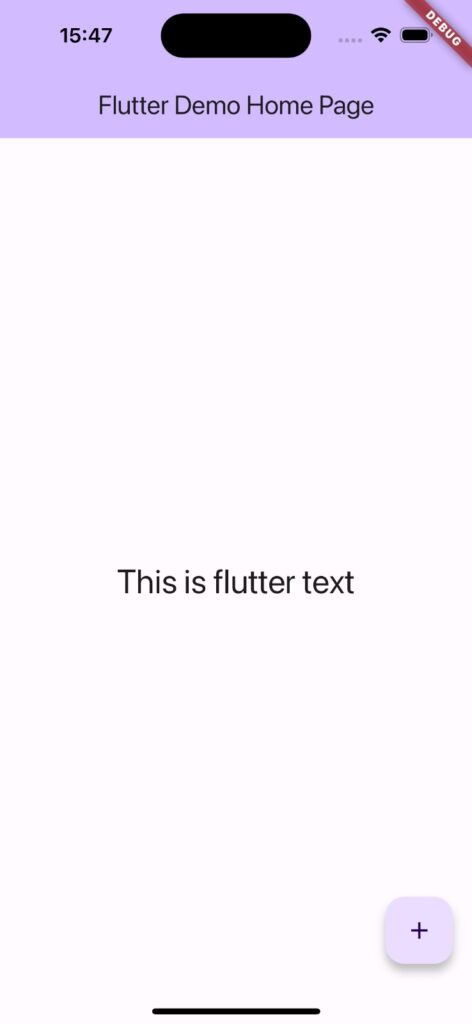
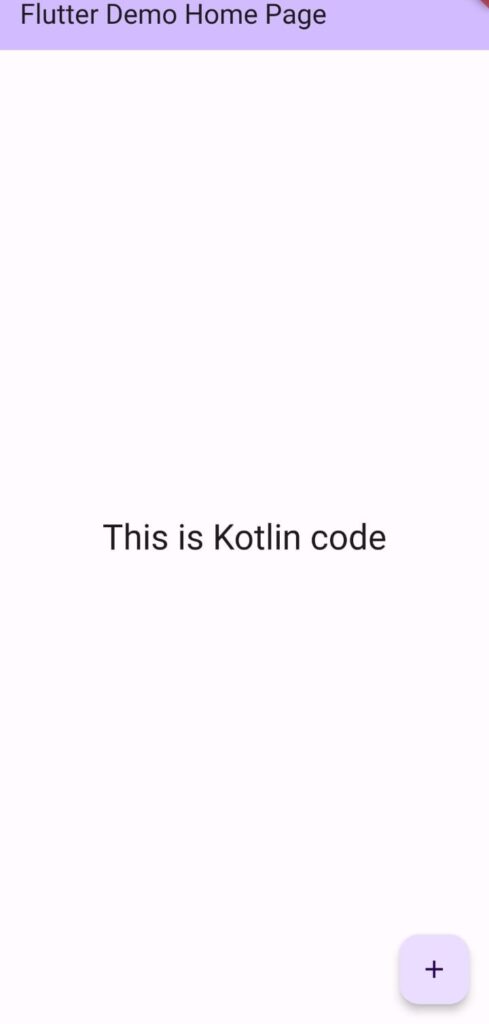
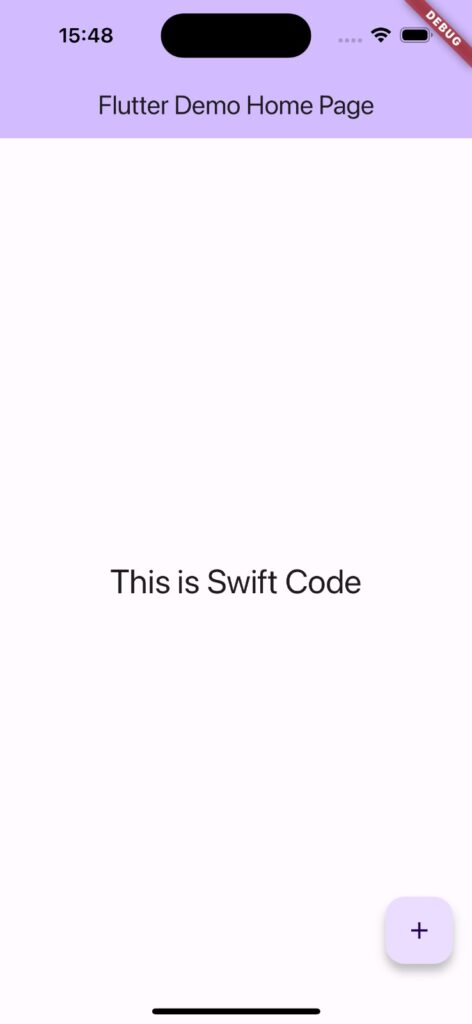
That's basically all there is to communicating with the native side from Flutter. You do whatever you need to do on the native side and use it on the Flutter side through the channel you defined. Happy coding!